
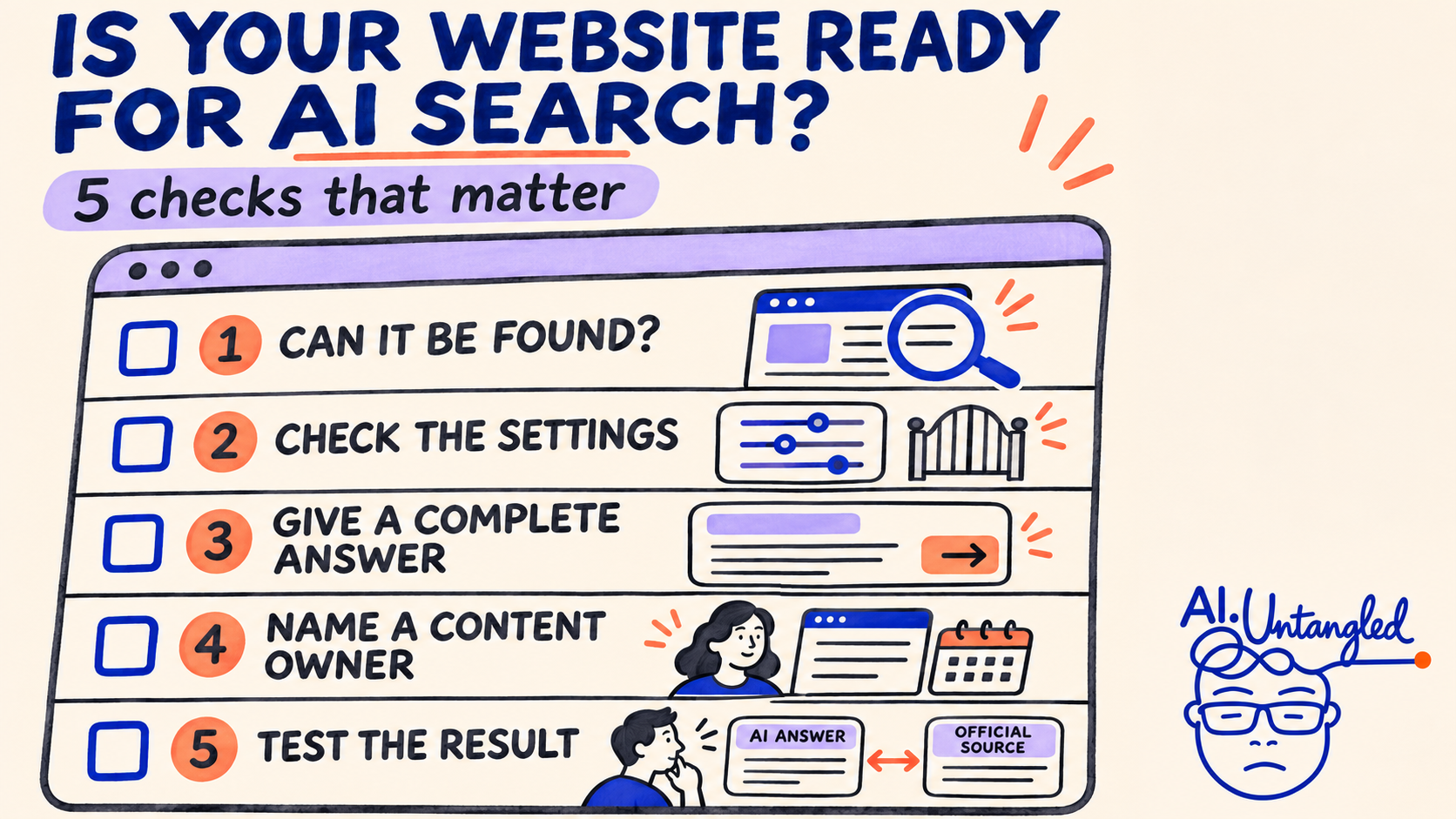
Website readiness combines technical discovery, complete maintained answers, and checks of the answer and next step.
When someone asks AI about your services, can it find accurate information and the right next step?
For personal, business, and government websites, readiness spans technical access, maintained content, and accurate answers.
First, untangle the acronyms
| Term | What it means |
|---|---|
| SEO: search engine optimization | Helping search engines discover, understand, and rank pages. |
| AEO: answer engine optimization | Improving visibility in direct answers. |
| GEO: generative engine optimization | Improving visibility in AI-generated answers. |
| AIO | Ambiguous shorthand: AI optimization or Google's AI Overviews. Spell it out. |
These terms overlap. Google treats optimization for its AI search features as part of SEO. 12
1. Check whether your public pages are discoverable
Inspect a priority page in Google Search Console. Investigate indexing exclusions, crawler blocks, and unintended noindex instructions.
A page must be indexed and eligible for a search snippet to appear as a supporting link in Google's AI features. Eligibility doesn't guarantee inclusion. 3
Verify: You can explain the page's indexing status and any unresolved blocker.
2. Review the settings behind the scenes
In Search Console, review Settings → Search generative AI, including inherited settings. Confirm the choice matches your organization's policy. 4
Other services have different controls. OpenAI documents separate settings for its search crawler and training crawler. 5
Verify: Your technical team can explain which discovery uses are permitted. Avoid blanket changes to bot access.
3. Make one important answer complete
Choose a real audience question. Provide the answer, relevant conditions, and an actionable next step.
Hypothetical example: A permit page could bring eligibility, required documents, deadlines, and the application link together in readable text.
Verify: Someone unfamiliar with your organization can work out what to do. A particular sentence format isn't a guaranteed citation technique. 1
4. Give the content an owner
Check facts, source links, contacts, and dates. Assign someone to review changes and retire or correct outdated guidance.
For a small site, that owner may be you. In an enterprise or agency, name the responsible business team.
Verify: A knowledgeable reviewer confirms the instructions, and the next review has an owner. 6
5. Test the answer and the next step
Try representative questions in ordinary search and selected AI search tools. Record the question, date, product, answer, and cited pages.
Compare the result with verified source information. Check important conditions and the destination link. Repeat after changes; one result is a spot check.
Verify: Track whether people can complete the intended task alongside visibility metrics. Citation reporting alone doesn't establish answer accuracy. 7
Start with one important public page. Fix access problems, complete its answer, assign ownership, and retest. Google says special AI schema and llms.txt aren't needed for its search features. 1
Inspired by Searchable's six-step YouTube video, November 2, 2026. Independently checked and expanded for website operations.
Sources
- Google: Optimizing for generative AI search
- AIO terminology usage (terminology only)
- Google: AI features and your website
- Google: Search generative AI control
- OpenAI: Crawlers and independent controls
- Google: Helpful, reliable content
- Microsoft Bing: AI Performance reporting
Sources and scope
- Searchable: How to Rank in Google’s AI Overviews & AI Mode (6 Steps)
November 2, 2026. Full English transcript reviewed; screen demonstrations were not inspected. This independently authored note adds operational ownership and answer verification. Technical sources are linked in the article.
Independent educational commentary. Source claims, interpretation and any observed results should be read separately. No employer endorsement is implied.